


From Planning Challenge to Working Application
Strangeworks Workflows

The bridge between planning teams and working software. Capture requirements in plain language, refine the planning approach collaboratively, and move from idea to execution.

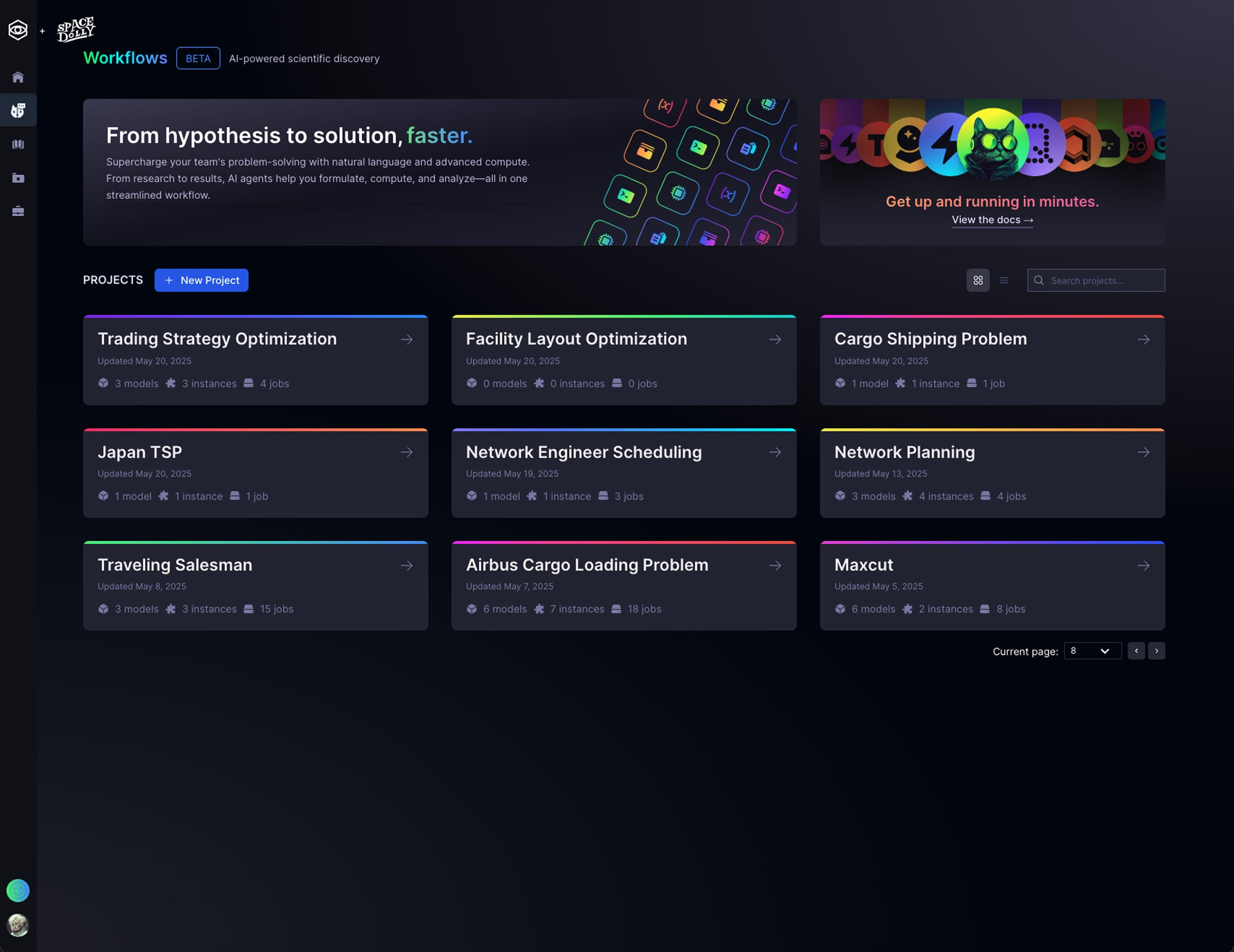
From requirements to results.
Getting from a business problem to a working optimization solution has always required different skill sets: business knowledge, mathematical modeling, and solver expertise. Workflows bridges that gap.
Step 1
Business stakeholders define the planning problem.
Through guided conversation, Workflows captures the components of an optimization problem as stakeholders describe their operations. No technical knowledge required.
Resources
Captures agents, vehicles, machines, or personnel. Automatically prompts for capacities, skills, availability, and costs.
Tasks & Demand
Identifies the work to be done: deliveries, visits, jobs. Extracts volumes, durations, priorities, and time windows.
Constraints & Rules
Surfaces the hard rules and soft preferences: certifications, labor agreements, customer requirements, and business policies.
Set strategy without writing formulas.
Business priorities like "minimize travel time" or "keep the same technician on repeat visits" translate directly into optimization objectives. Workflows lets stakeholders express these goals in plain language, then converts them into the mathematical logic solvers need.
The business side stays involved without needing to understand constraint programming. Operations researchers get clearly articulated priorities instead of vague requirements.
Priority Controls
Balance competing objectives like cost vs. service quality with intuitive controls that map to optimization weights.
Policy Toggles
Enable business rules like "prefer continuity" or "match skills" that become constraint terms in the model.
Gap Detection
Intelligent prompts surface missing information before it becomes a blocker for the modeling team.
Step 2
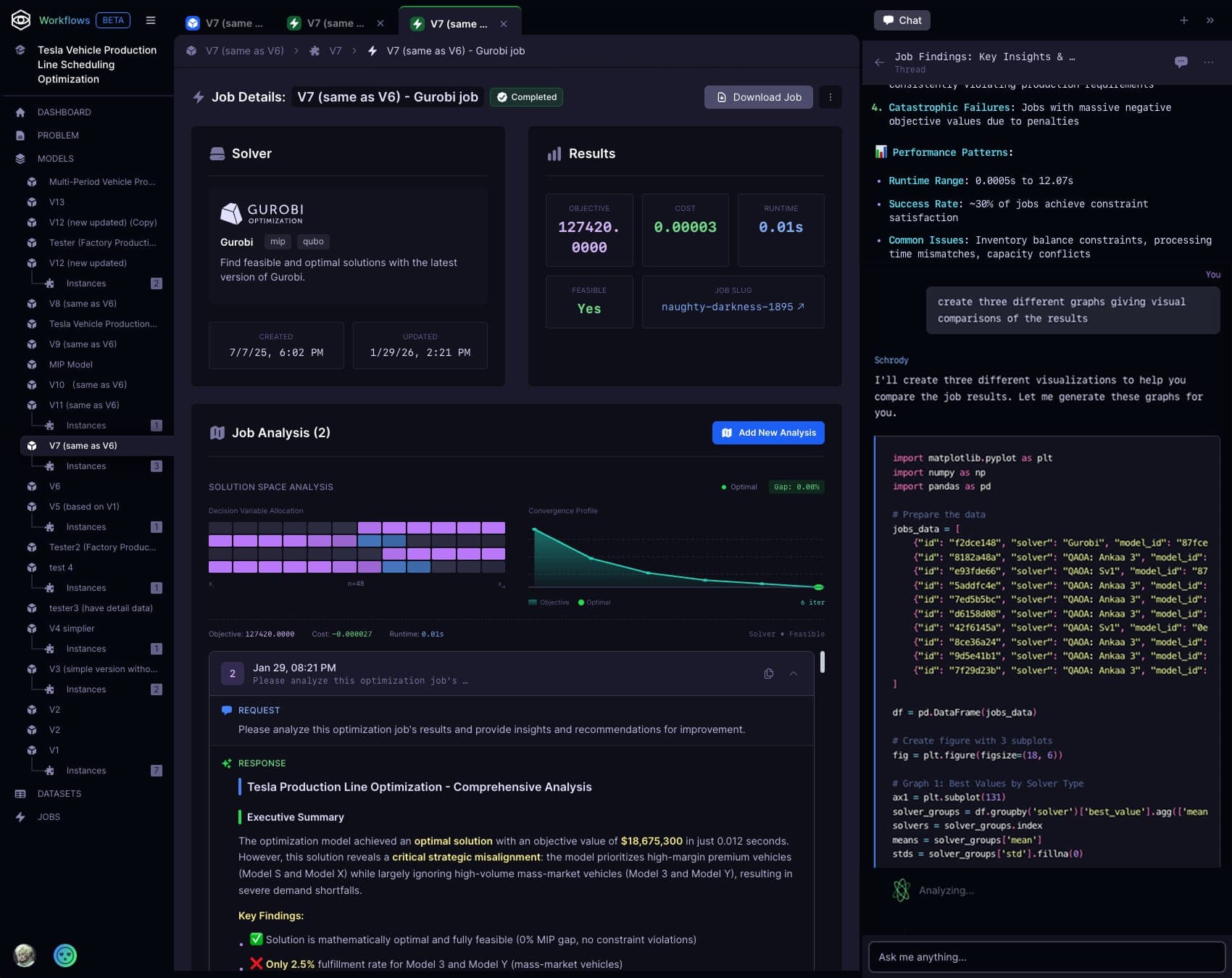
Planners validate and compare options.
Workflows prepares plan options in the background so planners can focus on what matters: checking operational fit, comparing trade-offs, and confirming outcomes align with business goals.
Validate Plan Fit
Review whether proposed plans reflect real operating conditions and catch edge cases before rollout.
Compare Plan Options
Evaluate alternatives side by side to understand trade-offs in cost, service, timing, and resource usage.
Track Planning Value
Quantify expected impact and track planning value so project stakeholders can prioritize with confidence.

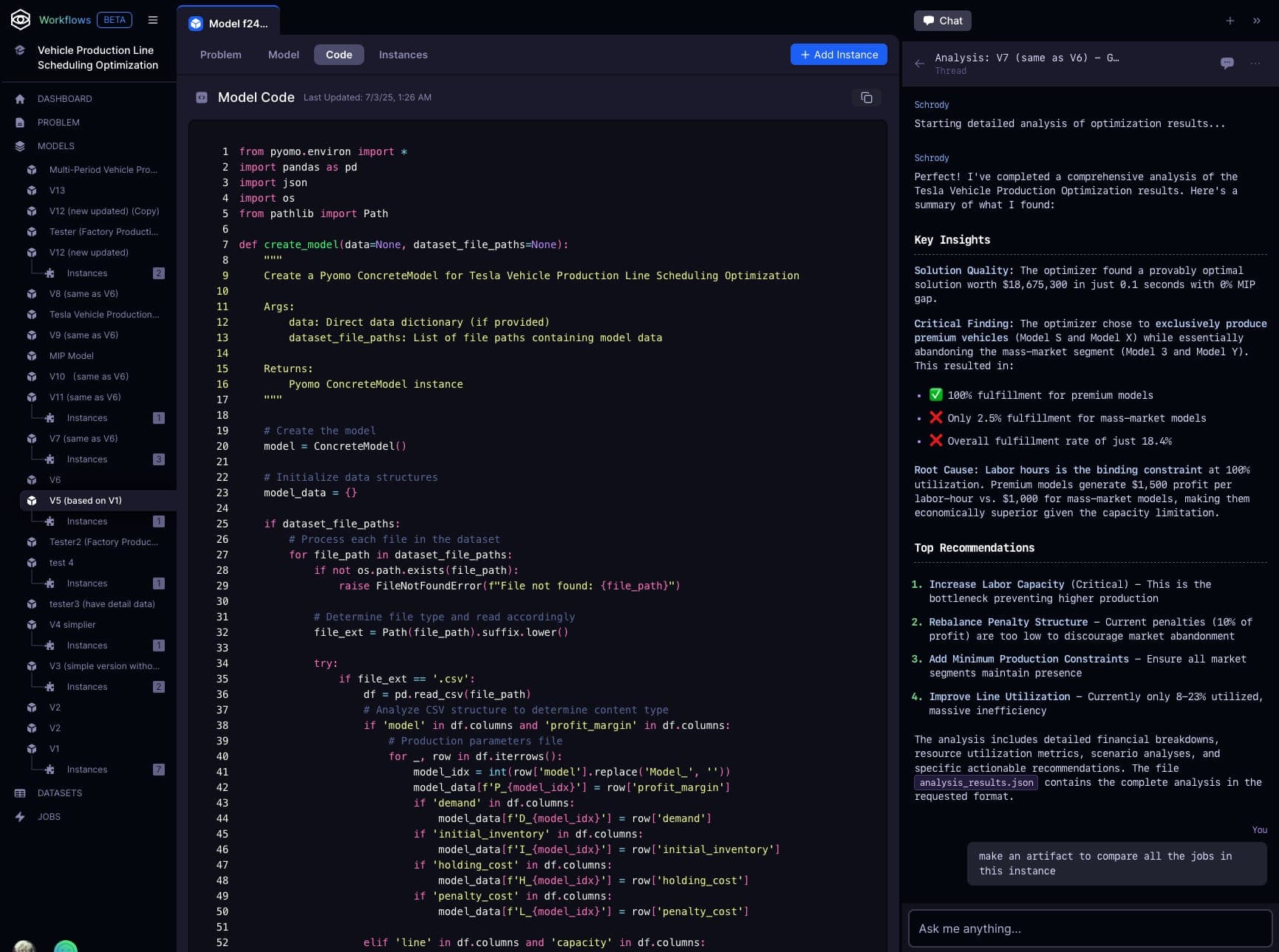
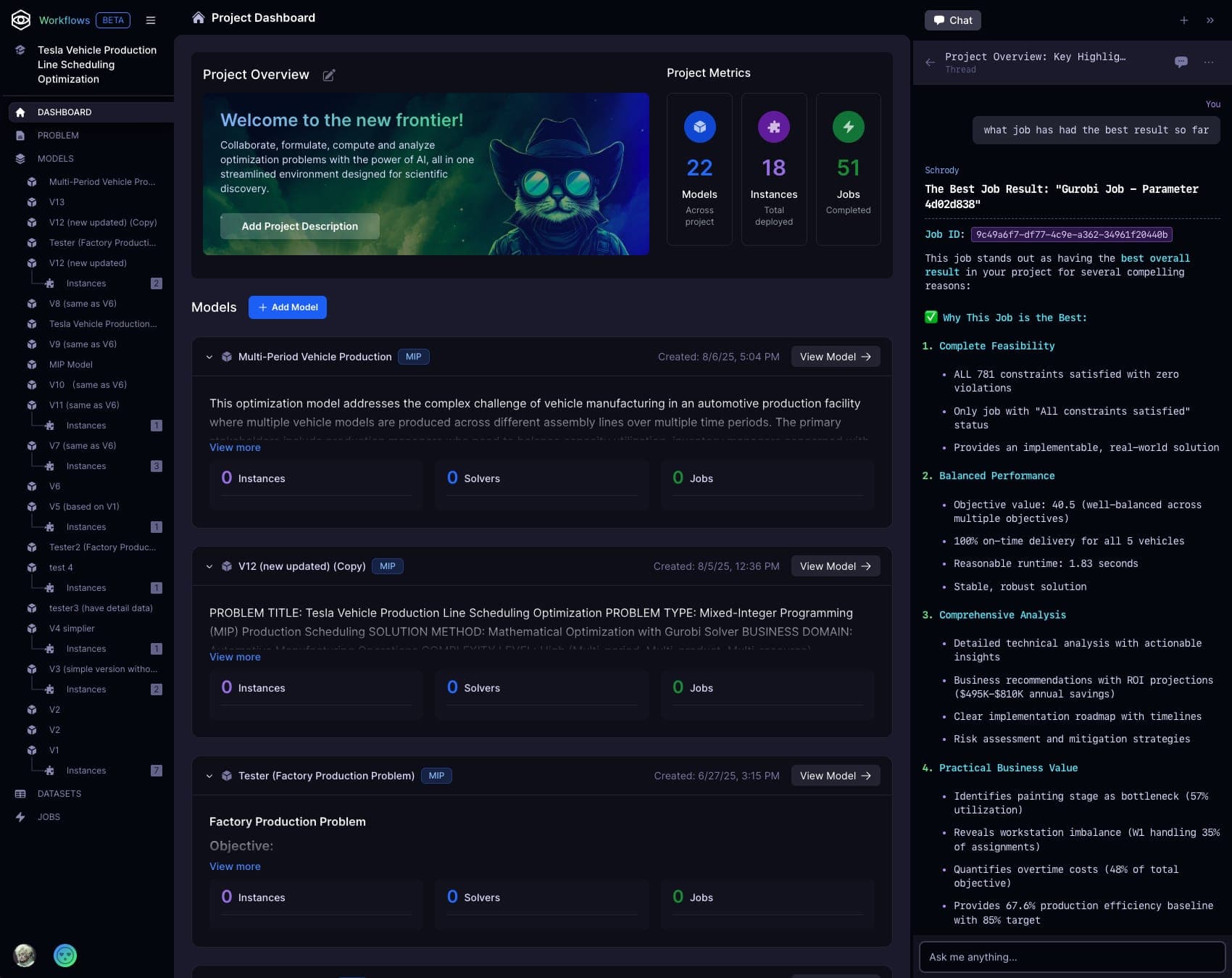
Tools built for planning teams.
Workflows gives planners a structured way to define requirements, validate completeness, and prepare implementation-ready planning applications.
Insight Intake
Capture direct end-user input through guided prompts to define and refine the planning problem iteratively.
Decisions Deployment
Support for multiple modeling languages. Deploy models quickly into Strangeworks Decisions. Move from prototype to production-ready faster.
Requirement Coverage
Track completion of planning and application requirements, including integrations, visualization needs, and process steps.
Planning Value
Estimate the planning value at stake early, helping teams justify scope and focus implementation where impact is highest.
Execute on Strangeworks Compute.
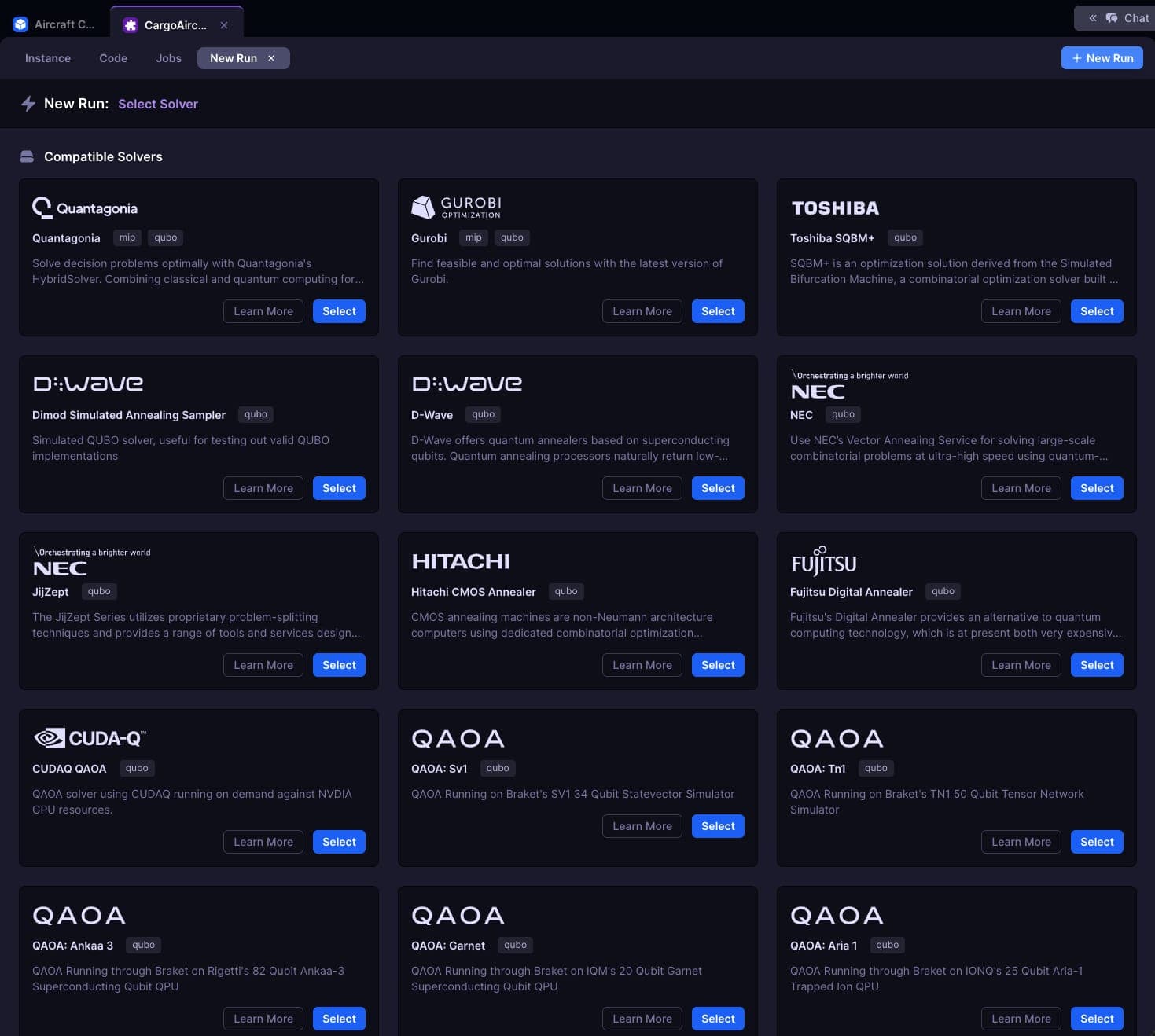
Once requirements are validated, Workflows connects your planning setup to the right execution and application layers so teams can run and adapt plans in daily operations. Run on quantum, quantum-inspired, HPC, or classical compute depending on your problem characteristics.
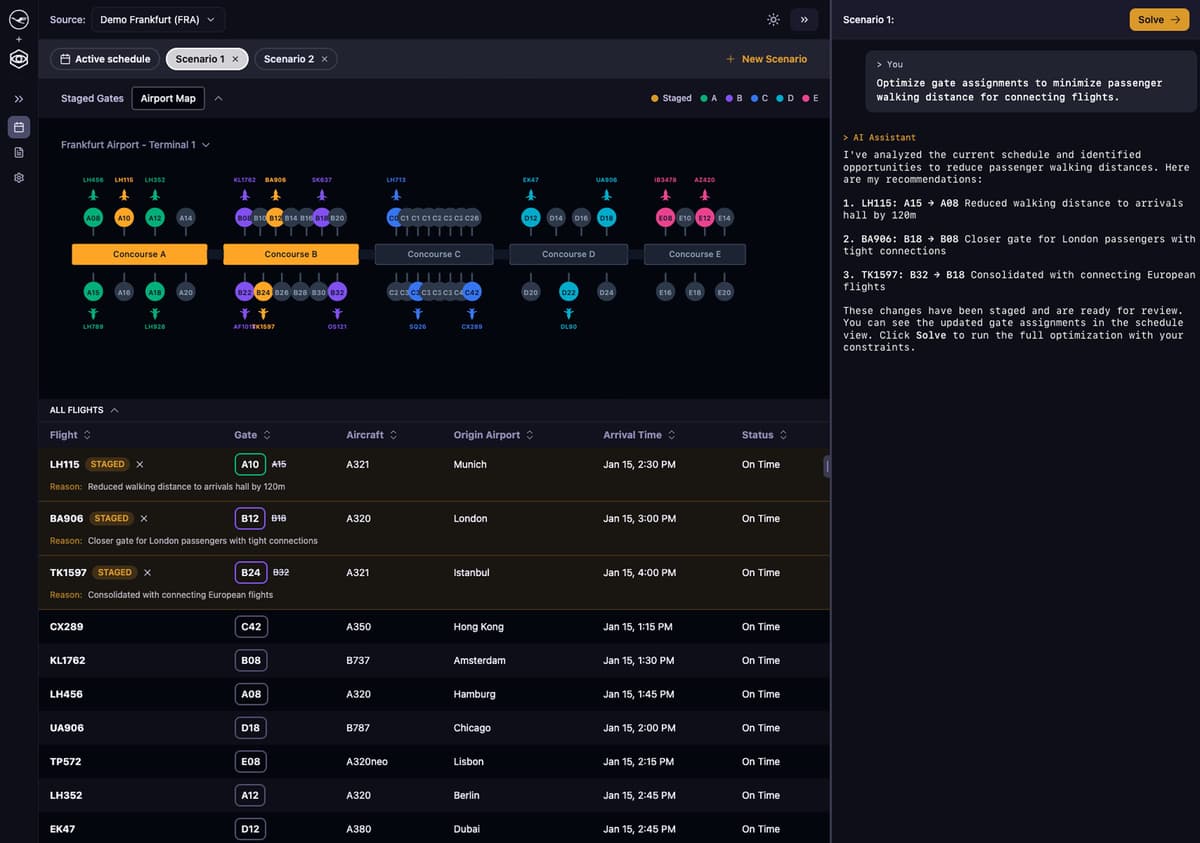
Decisions
Deploy models for business users. Decisions provides a no-code interface where operators can run optimizations and adapt plans as reality unfolds.
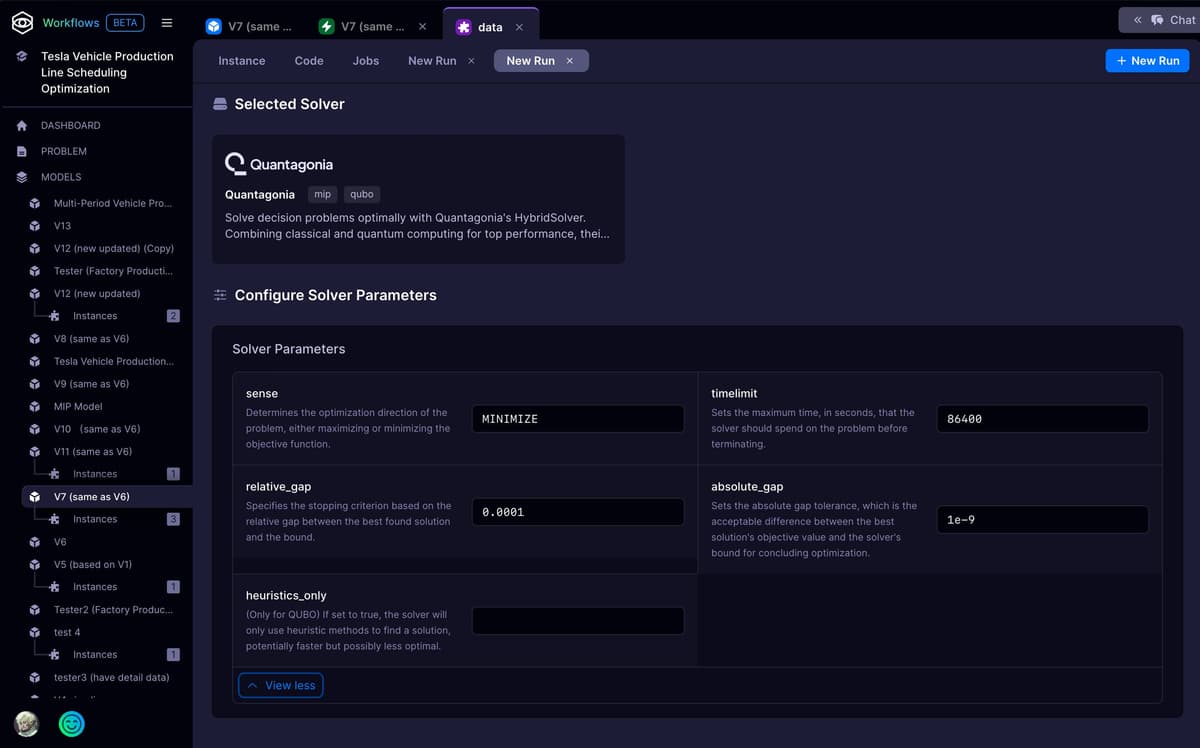
HybridSolver
Our solver orchestration engine that automatically routes problems to the best-fit solver.

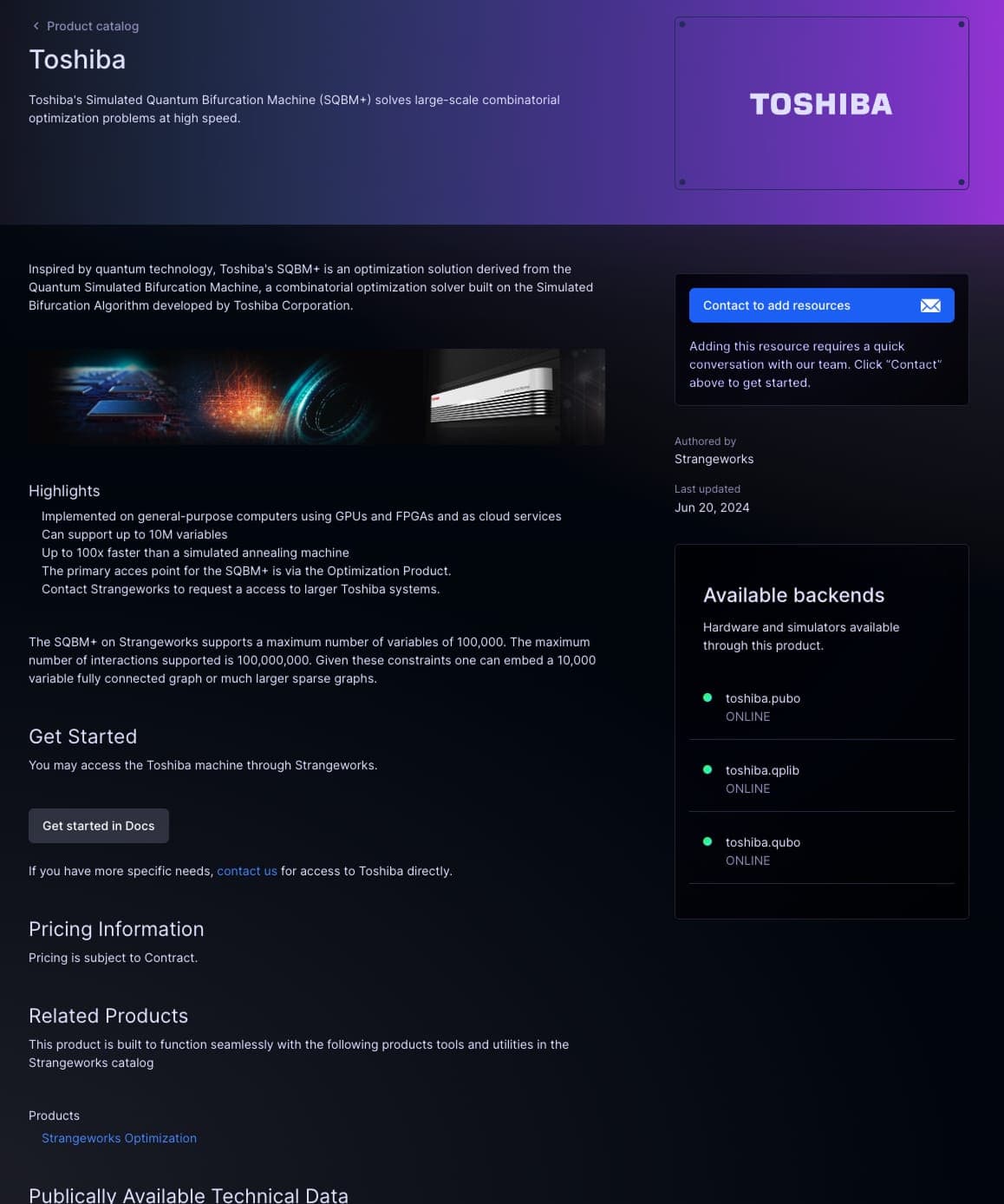
Strangeworks Compute
Direct access to quantum, quantum-inspired, HPC, and classical solvers when you need low-level control.

Bridge the gap between business and optimization.
See how Strangeworks Workflows can help your team move from business problem to production-ready model.